Before the customer arrives
Send a link for customer details and signatures. Spend less time typing at the counter.
See how this worksHow Velosta works
Your vehicle, customer, payment and return records stay connected. Manage daily work from your phone or the web.
Get the app
See how it works
Real screens from the Velosta app. We’ll show you each step in a demo.
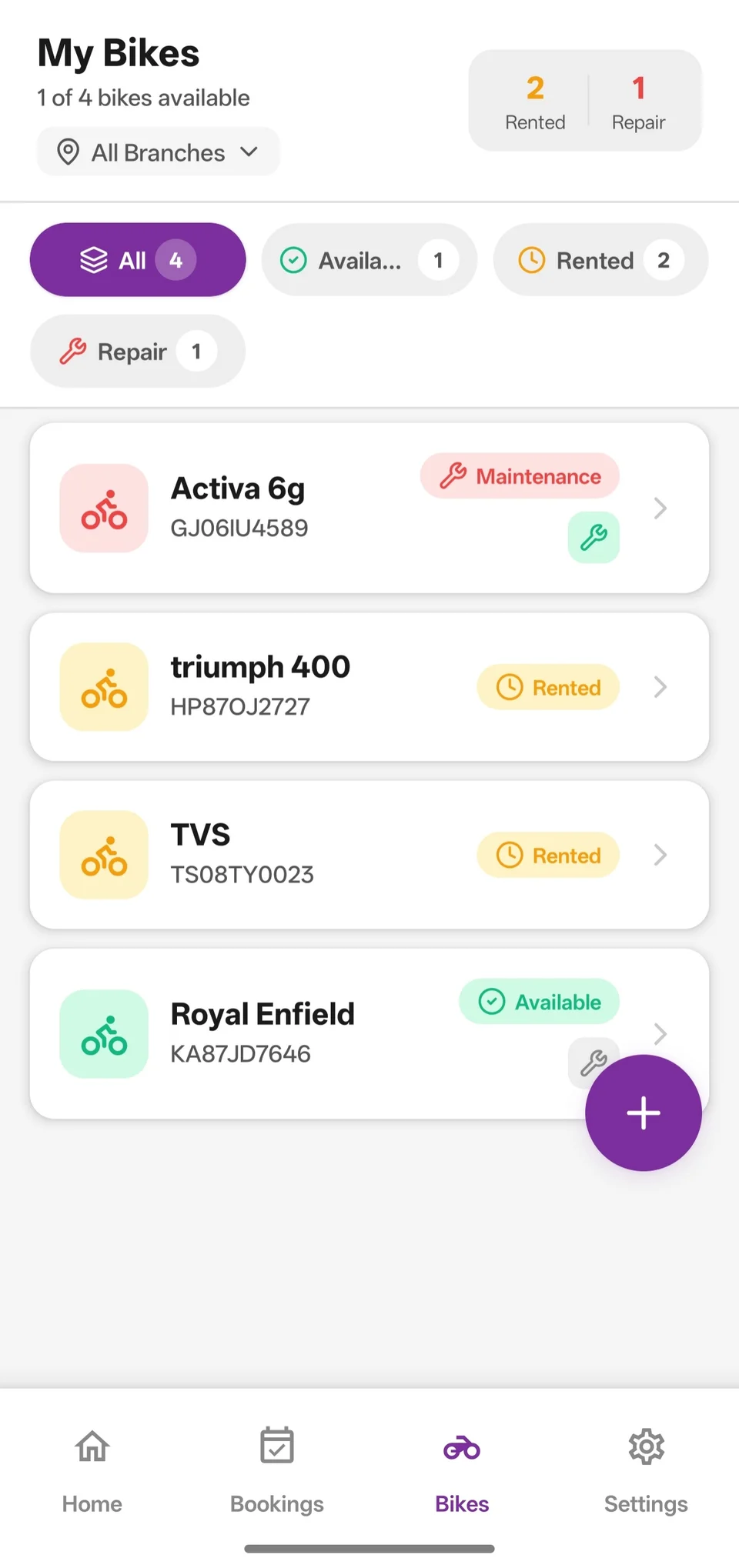
See what is available, rented or in service. Then make the booking.
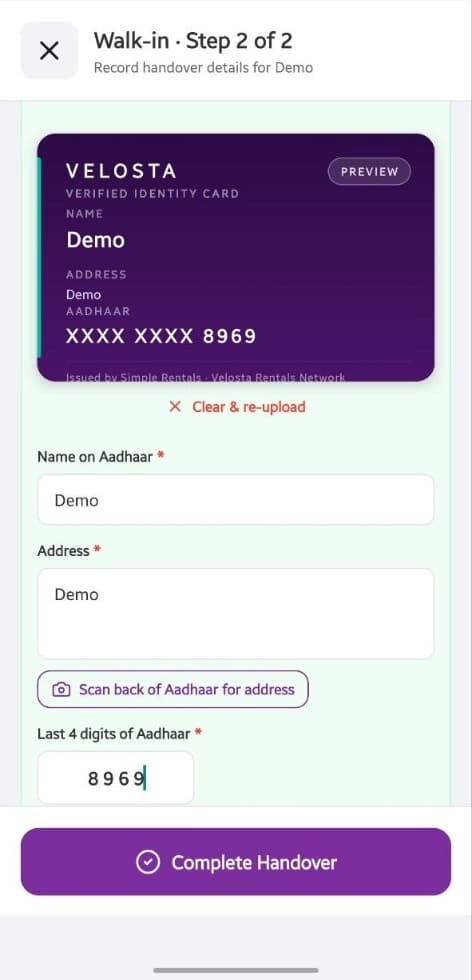
Scan the customer’s ID. Review the details before giving the keys.
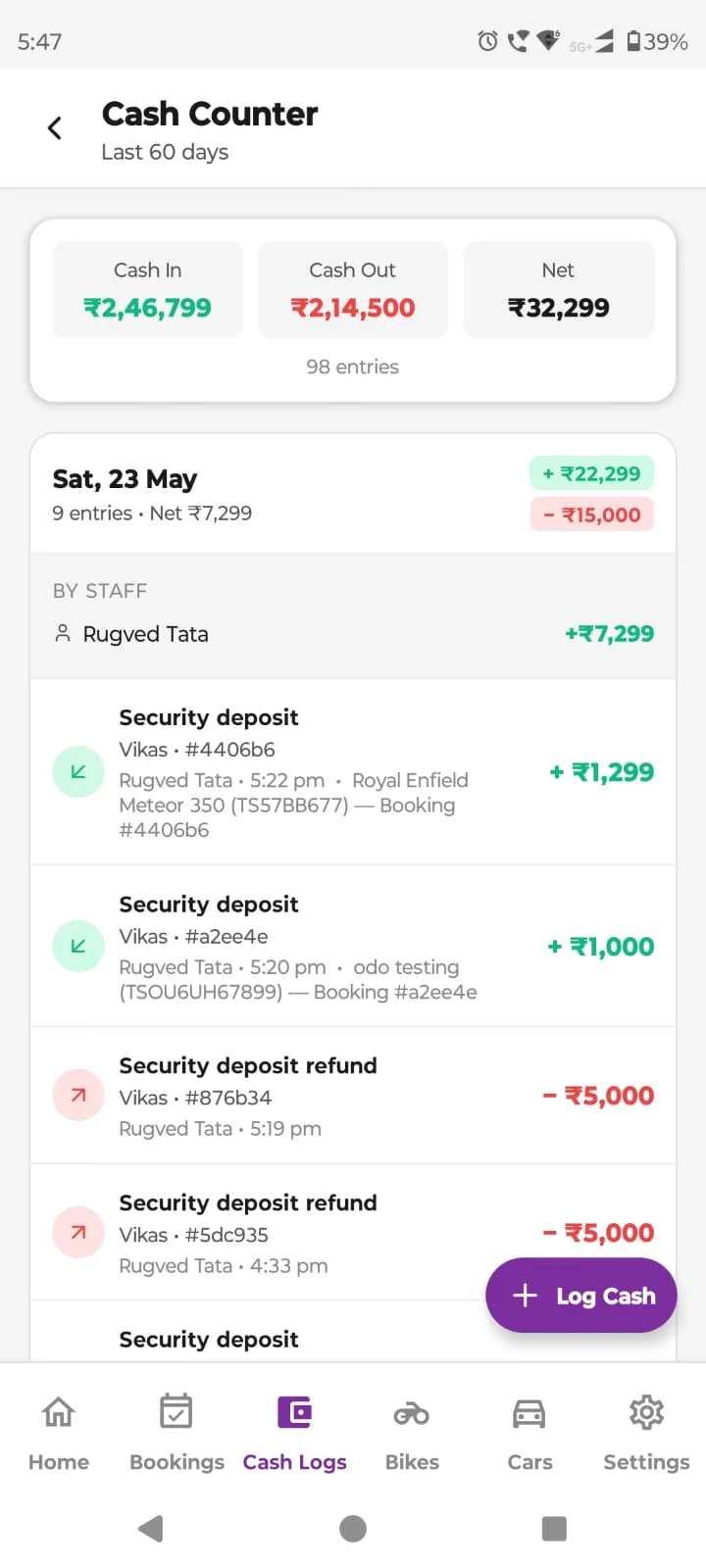
Record rent and deposits. Check your daily cash in one place.
Send a link for customer details and signatures. Spend less time typing at the counter.
See how this worksExtend the rental or swap a vehicle. Keep the updated dates and charges in the booking.
See how this worksCompare counted cash with recorded payments. Check refunds, expenses and balances.
See how this worksSee every branch’s work. Let staff access the records and actions they need.
See how this worksFor bike & car rental owners across India
We’ll show you bookings, payments and returns. Ask for a quote for your store.
Or email sales@velosta.com